
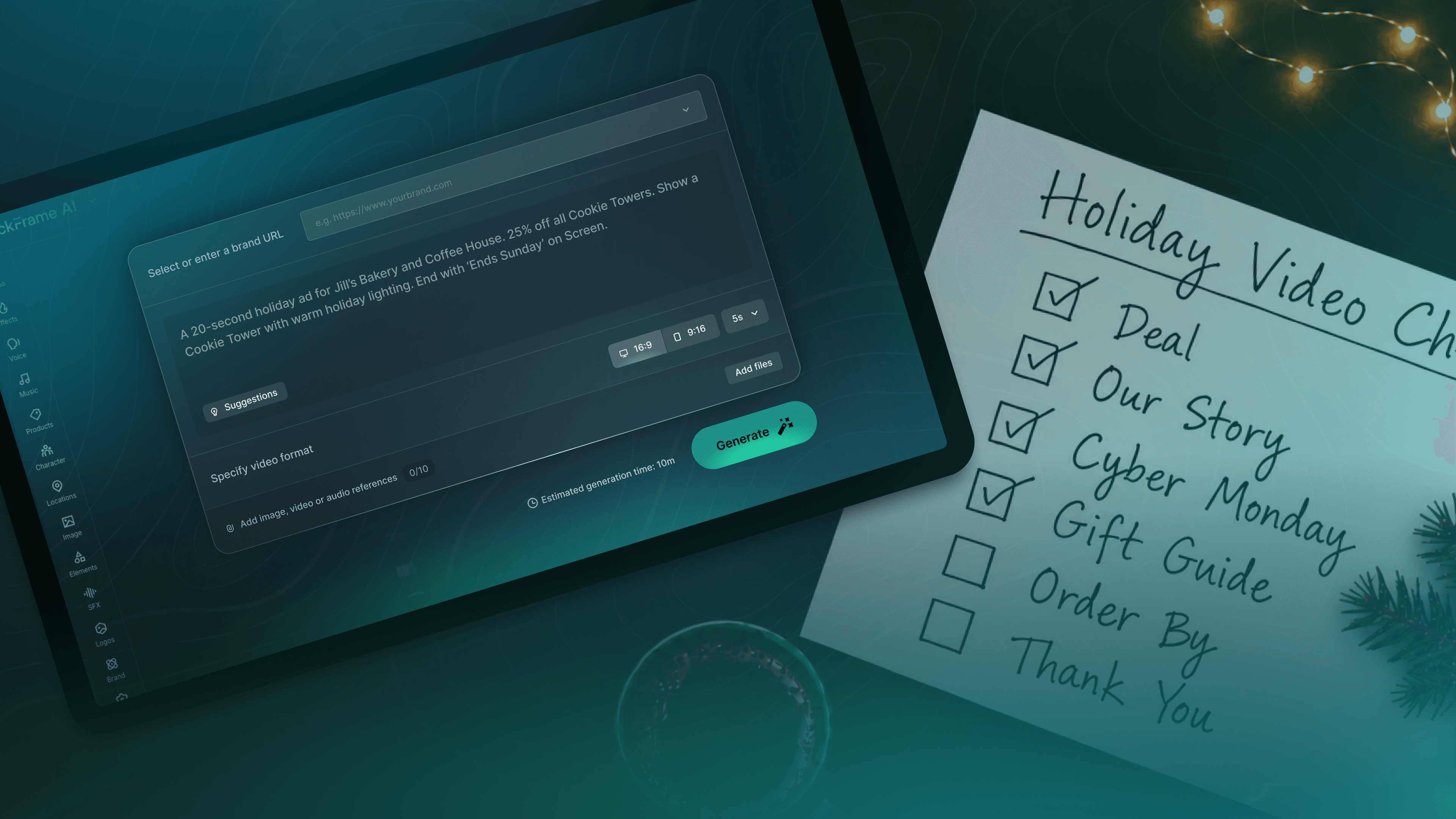
For a lot of small businesses, the run-up to Black Friday and the weeks that follow as we barrel into the holidays can be the difference between a good year and a great one.
Those weeks move fast, because shopping holidays stack up one after the other. Black Friday leads into Small Business Saturday, which gives way to Cyber Monday, then Giving Tuesday, with the gift buying engine not stopping until Christmas Eve (and sometimes, even beyond that).
Reaching all of those shoppers at all of those moments means making a lot of video. The trouble is, making those videos can feel like it requires more hours than you have in a day to dedicate to marketing.
If you’re feeling that, you’re not alone. Constant Contact’s Small Business Now report found that 56% of small business owners have an hour or less each day for marketing, which is why video, the thing that can take a lot of effort, tends to get reprioritized as a “next year idea”. But it doesn’t have to be.
QuickFrame AI was built with that hour in mind. If an hour a day is what you have for marketing, that’s enough to get a holiday video made. The time it takes to make a single video, the resources you need to even get started, all the things that usually keep small businesses from producing video content in the first place, are exactly what QuickFrame AI helps you bypass. You don’t need a crew, a studio, or an editing background. You just need a compelling offer and a clear schedule.
Here are six videos you can make with QuickFrame AI, in the order the Q4 season calls for them.
1. Your Black Friday deal video
Schedule posts from mid-November through November 27.
This is the main event, so choose between the typical video creative runtimes of 15 or 30 seconds. You’ll want to lead with the deal, and end with the date it ends. Alongside the hero video, we also recommend making a “coming soon” cutdown that you can post a week or two early to build anticipation without having to produce two separate videos.
In QuickFrame AI, the fastest way in is to open the Explore Page and start with a Prompt. Just describe the ad you want, add a few product photos, and QuickFrame will orchestrate industry-leading AI tools to create it. If a line needs changing afterward, chat with our AI Editing Assistant about what to change in plain language.
Here's a starter prompt: “A 20-second holiday ad for [business]. [Offer sentence]. Show [product] with warm holiday lighting. Include this CTA in voice over and on-screen text: ‘Offer ends December 1st’.”
2. Your Small Business Saturday story
Try and post from mid-November through November 28.
Small Business Saturday is the one day of the weekend built specifically for brands like yours, and shoppers are out looking for a reason to buy local. So give them one in your ad creative. Don’t shy away from speaking about who you are and what shopping with you supports. Even if you don’t have a specific deal to offer, telling your story can be an ideal way to ingratiate your brand with your target audience.
Try a prompt like: “A 30-second video introducing [business], a family-owned [type of business] in [town] since [year]. Friendly, personal tone. End with ‘Shop small this Saturday.’”
3. Your Cyber Monday offer
You should aim to post from late November through November 30.
If you sell online, Monday gets its own video with its own deal, so put the offer up front, keep the cuts quick, and get “today only” on screen early. If you don’t have an online ecommerce store, you can also skip this one and put the time into the next three.
Give this prompt a spin: “A quick 15-second ad announcing [offer] on [website], Cyber Monday only. Energetic pace, bold text.”
4. Your gift guide
Consider posting in the first week of December.
Like a video version of old-school Sears Catalogues, pick your top three to five best products and turn them into a gift guide, showing the prices on screen. It’s the type of ad that people can send to friends and family who may be shopping for them. Even if you don’t sell traditional products (like a service business) you can still produce this type of video. For instance, a spa could showcase a collection of gift certificates for specific wellness experiences, and a restaurant could highlight a special holiday dining deal.
Here's a prompt to get you started: “A gift guide video for [business] featuring [item one, item two, item three] with prices. Cozy holiday feel. End with ‘Gift cards available too.’”
5. Your order-by date
Make sure you post this in early-to-mid December.
One of the highest-converting videos you can make, and one of the simplest. Your last shipping date goes in the first line. If you don’t ship, make this a “last day to order for pickup” video instead.
Tweak a prompt like: “A short reminder video: order by [date] to get it in time for Christmas. Simple, clear, one line of text on a holiday background.”
6. Your last-chance and thank-you videos
Schedule posts to go live anywhere from mid-December through Christmas Eve.
Gift cards, local pickup, holiday hours, and a short thank you from you on Christmas Eve. The thank-you video doesn’t sell anything. Customers remember it anyway.
Try a prompt like: “A 15-second video thanking customers for a great year from everyone at [business], with holiday hours on screen.”
Where to post them
Always publish on the channels where your customers already follow you, which for most small businesses means Facebook and Instagram. You should also add Performance TV, TikTok and/or YouTube, if you aren’t already active there. Make a vertical 9:16 version for Stories, Reels, and TikTok and a horizontal 16:9 version for Performance TV, Facebook, YouTube, as well as your website. You could also send your Black Friday video to your email lists the week before.
Posting your first video by early November helps, since the platforms only get noisier the closer you get to the holiday, but a video posted on November 25 still beats no video on November 27. And if one stops getting attention partway through, go back and make a fresh version with a different opening line. Making surgical edits like that in QuickFrame AI only takes a few minutes, so creating cutdowns won’t eat up your whole day.
Holiday Video Schedule |
||
|---|---|---|
| Date | What’s happening | Which video |
Early to mid-Nov |
Build anticipation | “Coming soon” cut of your deal video |
Fri, Nov 27 |
Black Friday | Black Friday deal video |
Sat, Nov 28 |
Small Business Saturday | Small Business Saturday story |
Mon, Nov 30 |
Cyber Monday | Cyber Monday offer |
Dec 1 to 7 |
Gift shopping begins | Gift guide |
Dec 8 to 12 |
Shipping deadlines approach | Order-by date video |
Dec 16 to 24 |
Last-minute shoppers | Last-chance and thank-you videos |
Ready to make your holiday videos?
Every video on this list starts the same way in QuickFrame AI: with a prompt. Describe the ad you want and it builds it. If you have product photos, reference images, or a past video you’d like it to work from, add those too, but a clear sentence about your offer is enough to get going. There’s no crew to book or studio to rent, and you don’t have to learn editing software in November, which is nobody’s idea of a good time. If the first version isn’t quite right, you tell the AI Editing Assistant what to change, in plain language, and it changes it.
What that does to your calendar is the real point. Six videos used to be a season-long production problem. With QuickFrame AI it’s six prompts, and the one sentence you write about your offer (“Get [what] for [price or deal] until [date]”) carries most of them. Start with whichever video is closest on the calendar, post it, and when it stops getting attention come back and make a fresh cut with a different opening line.
All that’s left is to get started. Log in to QuickFrame AI to do that today.