
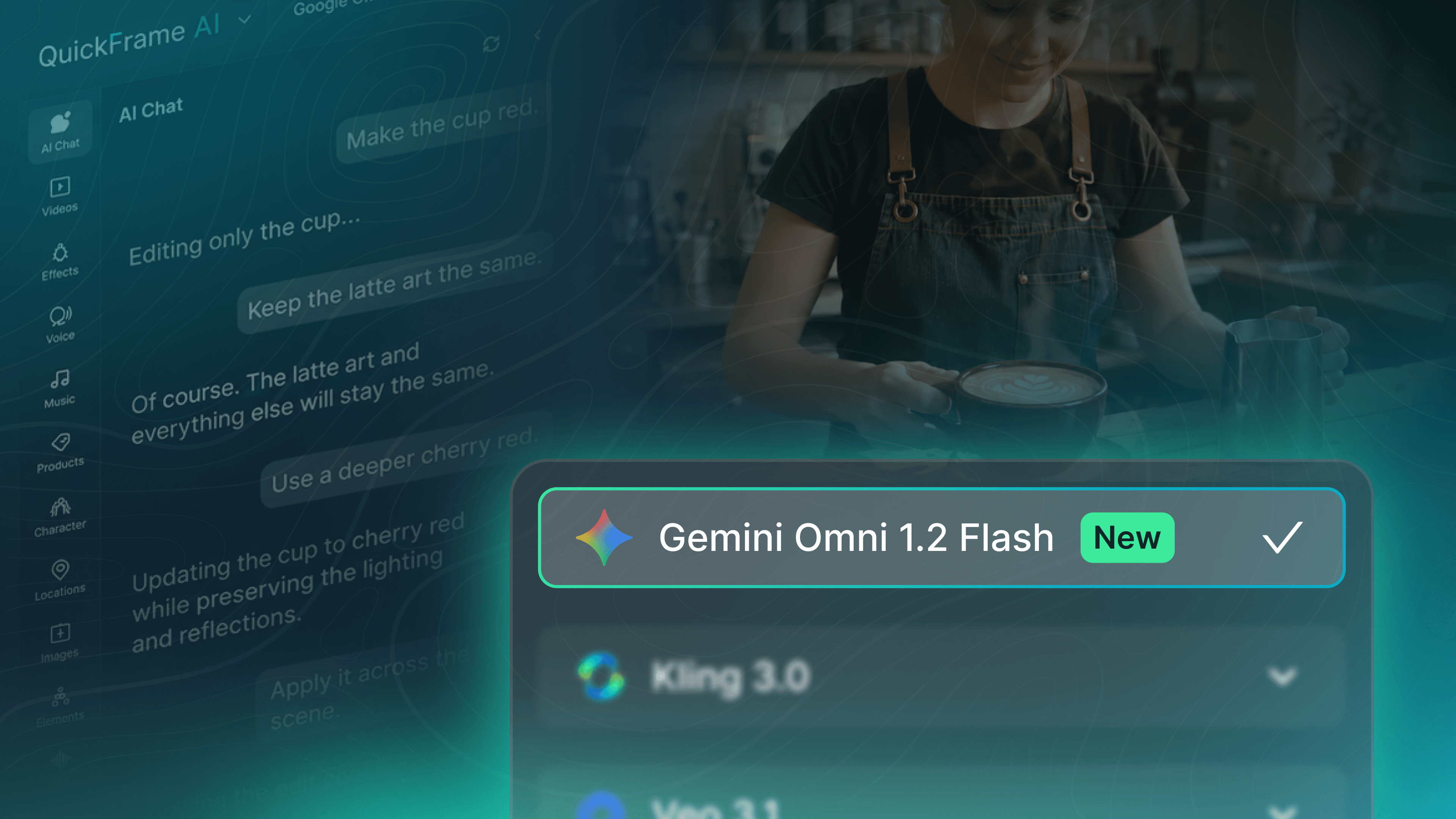
Google’s Gemini Omni 1.2 Flash is now live on QuickFrame AI, with a set of upgrades that make it even easier for brands to produce ads for TV.
Here’s a peek at everything it can do.
A Full-Length CTV Ad From One Prompt
Gemini Omni 1.2 Flash can generate up to 15 seconds of video from a single prompt, an increase from 10 seconds in the previous version. Five extra seconds doesn't sound like a lot, but it gets you to the length of a standard TV ad slot without having to stitch two shorter videos together.
Pro tip: Write the whole spot into your prompt, from the opening shot through the end card. The model has the full 15 seconds to work with now, so give it the full story rather than treating it as a single moment in a longer video.
It Stays Closer to Your References
Upload an image or video reference alongside your prompt, and Omni 1.2 Flash follows it even more closely than before. In practice, the first generation looks more like what you pictured, and you spend less time making final adjustments and edits.
Here’s another pointer: Build a storyboard in QuickFrame AI’s image generator, upload it with your prompt, and let the model bring it to life.
Where to Find It
Gemini Omni 1.2 Flash is available in three tools:
Text to Video
Image to Video
Add Elements to Video
After selecting one of those three, pick Gemini Omni 1.2 Flash from the model dropdown and start prompting.
Change One Thing, Keep the Rest
Generated something that’s almost right, but not quite there yet? Skip the manual edits and chat with QuickFrame’s AI Editing Assistant instead. With simple text prompts, just describe the change you want to make (adjusting a product color, asking for a slower camera move, etc.) and tell it to keep everything else as is. The Assistant applies the fix without regenerating the whole video, so the parts you already liked stay put.
Try Gemini Omni 1.2 Flash in QuickFrame AI today.