
You already know what you want your ad to do. Maybe it's to promote a discount code, or raise awareness for a new product launch. But what will it say, and how will it look? Which concept fits both the message and the goal? If creative thinking doesn't come second nature, figuring that out can feel a lot harder than deciding which KPIs you want to hit.
QuickFrame AI can now help take those questions off of your plate. With Industry Starting Points, live now on your Explore page, you'll find eight concepts that are tailored to your business. Choose one that fits your message and goal, and our platform will take it from there.
What You'll See on the Explore Page
The concepts appear for any account with a brand linked to it, in a new section at the top of the Explore page, and they're based on the industry that brand operates in.
The concepts are tailored based on your business type, so a home services company would find a Before & After transformation, while a retailer might get a New Product Announcement. If you’re a tech platform like us, you could see a Product Demo or a Success Story, among others. Each one is a format built around a goal common to your industry, like bringing in new customers or promoting something that's about to go on sale.
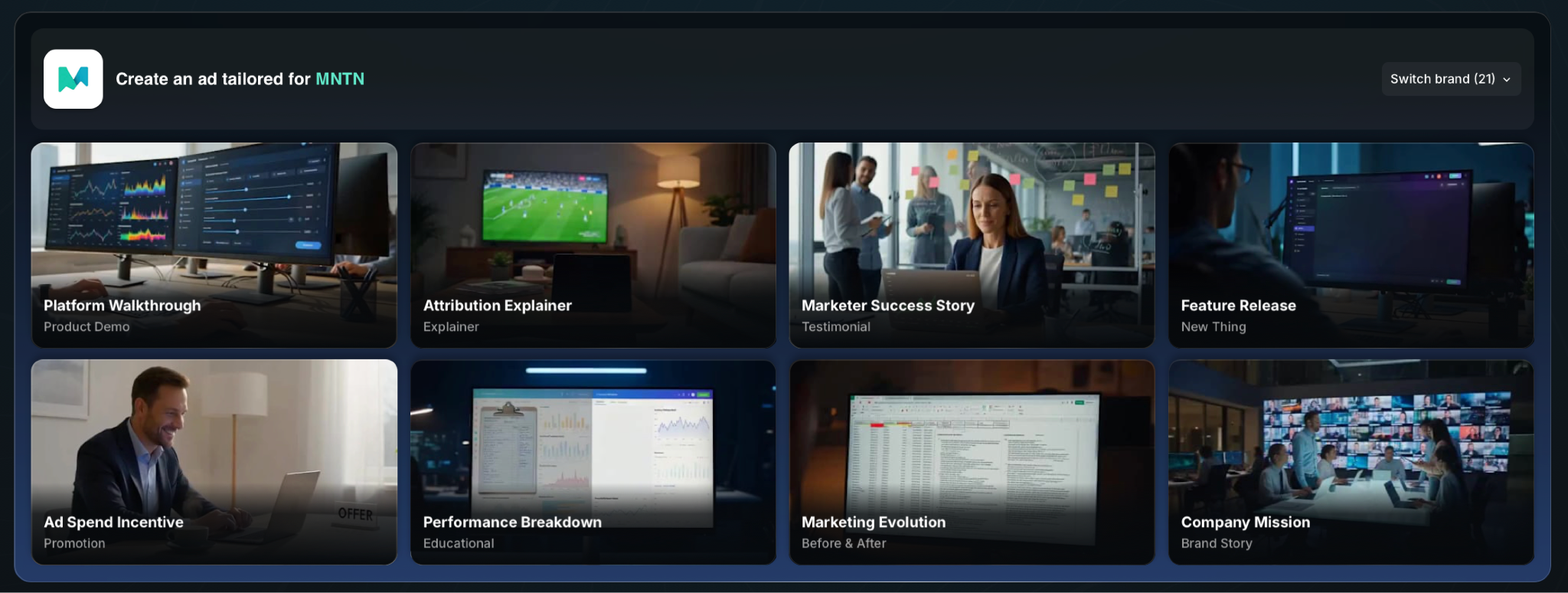 And if you manage more than one brand, you can easily switch between them to receive a new slate of starting points, tailored to the brand you’re working on.
How to Go From Concept to Ad
Once the concepts are on your Explore page, getting to a finished ad takes three steps.
Step 1: Choose Your Industry Starting Point
Start with the concept that matches what you want your ad to do.
Choose From Eight Concepts
Scan the eight concepts and pick the one that lines up with what you want this ad to do. Promoting a discount code? Pick the promotion concept. Launching a product? Pick the announcement.
The concept sets the ad's structure and creative direction, so you don't need to write any of that out yourself.
Step 2: Fill In the Brief
There are three ways to complete your brief.
Add Your Business Details
After selecting your concept, you’ll be asked to fill out a short brief covering what your business does and what you want to feature. There are three ways to complete it.
Step 3: Generate
Create your ad from the starting point and the brief.
Generate, Review, and Edit
Click Generate and QuickFrame AI creates the ad from the starting point and the brief.
From there you can review the video, make edits, and get it ready for wherever it's running, whether that's a social platform or a TV screen.
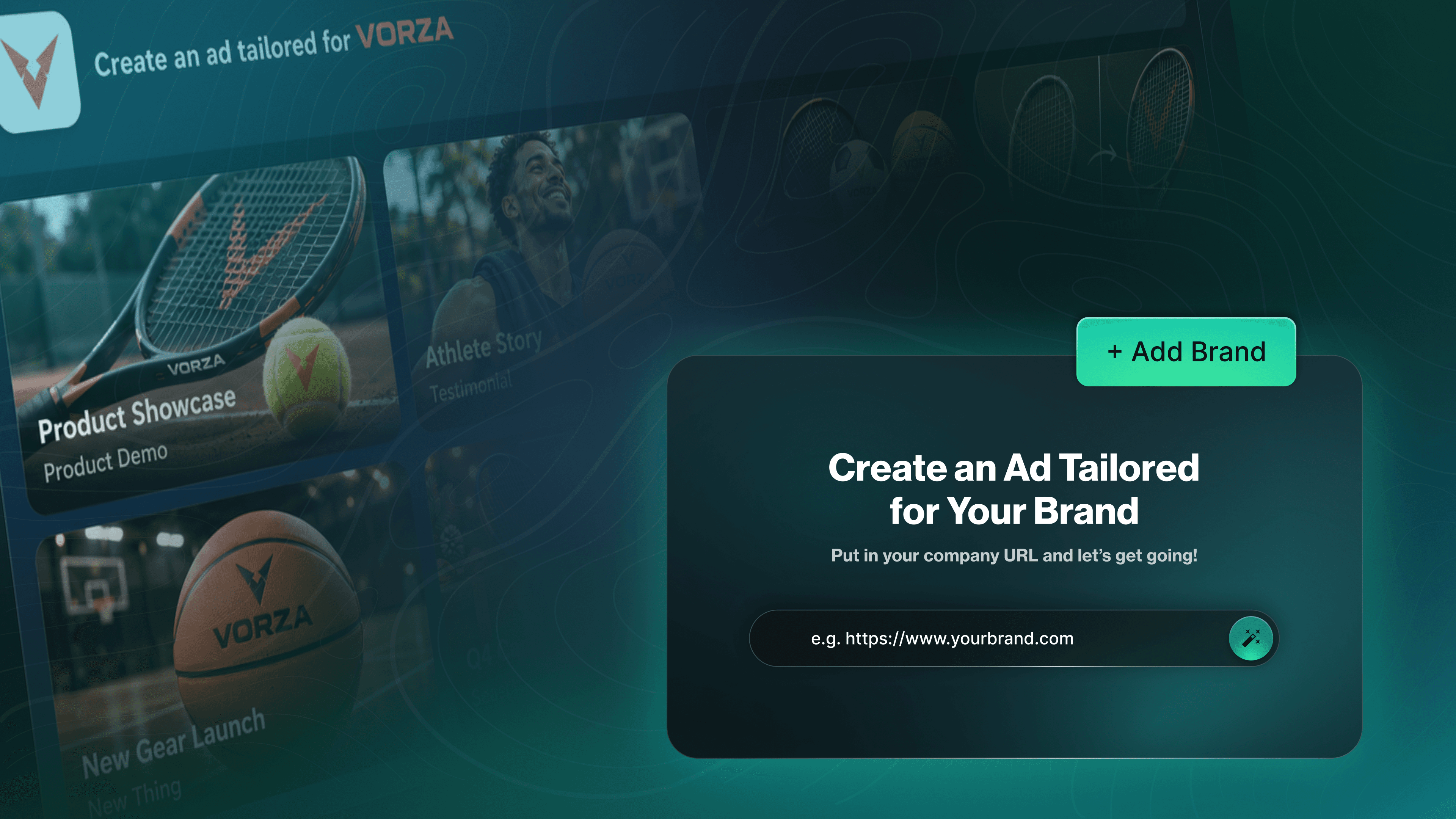
If You Haven't Linked a Brand Yet
Industry Starting Points only appear for accounts with a brand attached, since the concepts are matched to that brand's industry. If you don't see them on your Explore page, that's probably why. Adding a brand takes a few clicks.
Click “Video Projects” in the left sidebar.
Select “Brands”.
Click “Add Brand”.
Paste your company's URL into the “Set Up Your Brand” field. QuickFrame AI generates a brand profile from your site.
Head back to the Explore page. Your eight concepts will be waiting.
You only have to do this once per brand. After that, the concepts will be on your Explore page whenever you come back.
Spend Your Time on the Goal
You could always arrive at a concept in QuickFrame AI by prompting and regenerating until something clicked. Industry Starting Points bridges the gap between knowing your business goals, and creating an ad that helps you get there. That leaves you time for the parts only you can decide, like which offer to run and what you want it to do for the business.
Your next ad already has a starting point waiting for you in QuickFrame AI. Log in today and see where it takes you.