
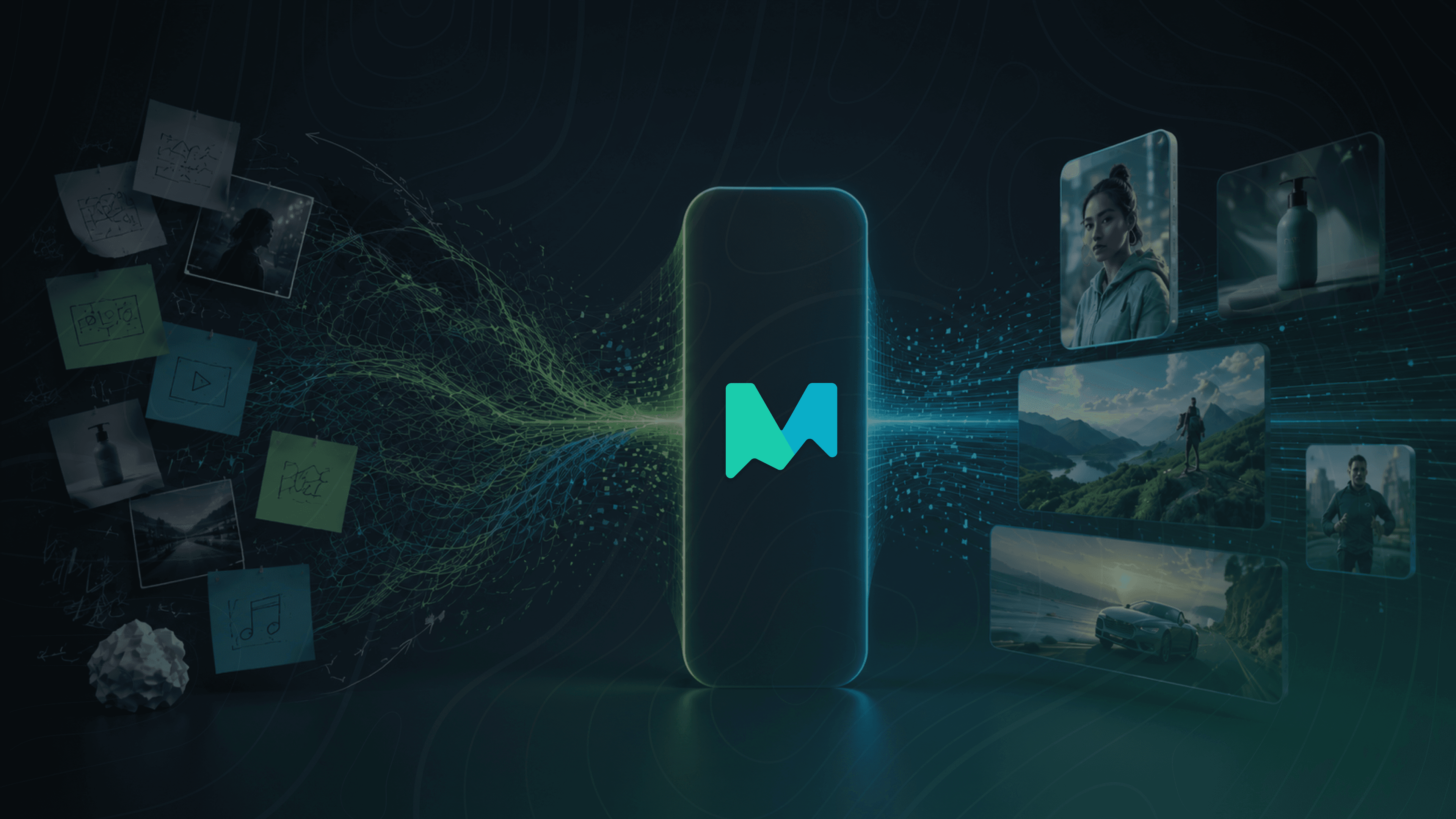
Create Videos for Every Screen, In Minutes
Creating high-quality video content used to be out of reach for most marketers. Agency fees, production crews, and big budgets made it a game for brands with deep pockets. With the introduction of generative AI, it’s become much easier for brands to create videos, but even the more accessible AI tools on the market can still feel complex (and costly) to figure out. QuickFrame AI changes that. It's the easiest way to create and launch brand-worthy video ads for any major platform, without any of the hurdles that have traditionally come with creative production.
QuickFrame AI is built from the ground up to get your videos live on social, digital, or CTV faster than ever. It’s not just another AI video tool in a marketers toolbox. It’s an on-demand creative collaborator, always ready to turn "what ifs" into "oh sweet, that actually works".
Before you jump in and start playing around, let's take a look at how QuickFrame AI works, and how you can get the most out of it to create video content for every screen.
How QuickFrame AI Works
QuickFrame AI brings together the best AI video, voiceover, and music tools in one place, so you don’t have to jump between platforms and can just start making things. Everything you need to go from idea to finished content is at your fingertips the moment you log in.
The platform’s entry point for creation is the Explore Page. Whether you want to start from scratch with a prompt, drop your product into a ready-made scene, or use a pre-built look and feel as your foundation, you have the flexibility to create what you want, how you want, whenever you want.
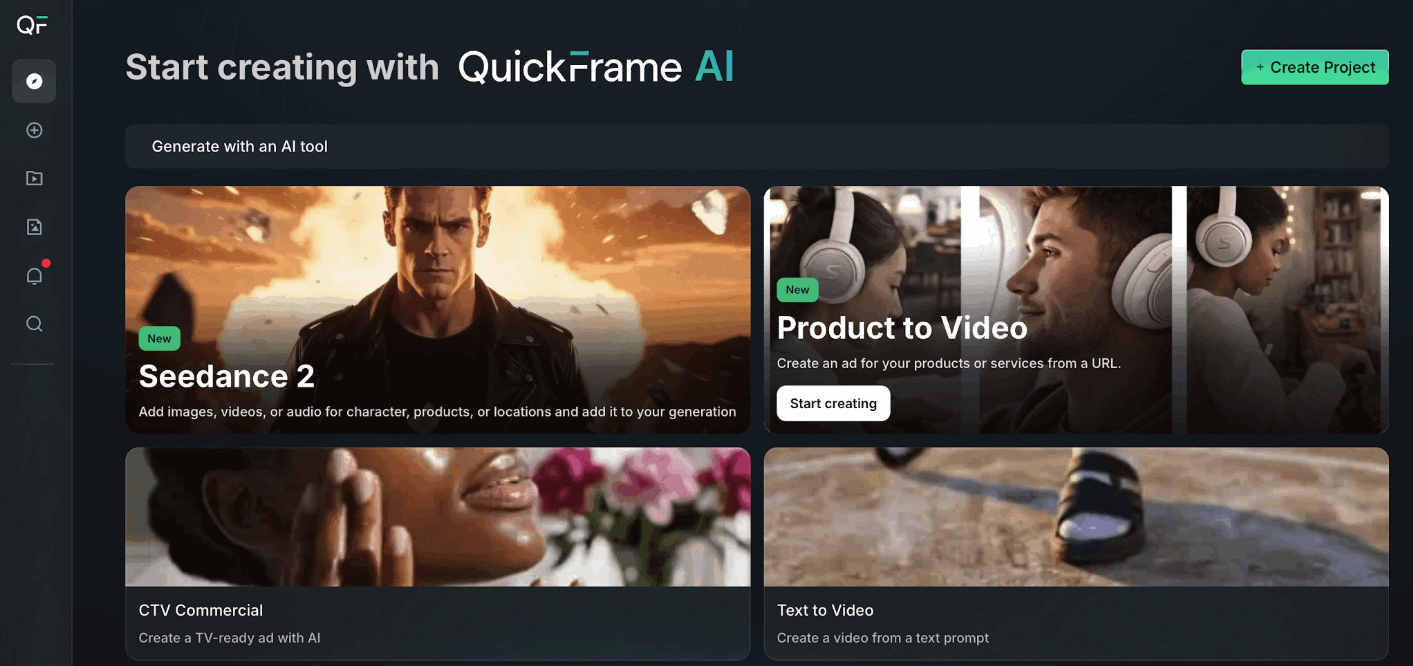 Starting with an AI Tool lets you add a short description and generate a video or character. You can also add motion to existing images or extend the action of an existing video.
Starting with a Video Effect lets you upload a photo of a character or product and drop it directly into a dynamic, pre-built scene.
Starting with a Style lets you select a look and feel that fits your brand, then generate a full :15 or :30 video ad in minutes.
That flexibility is integrated into every part of the platform. Once your video is ready, make edits directly in QuickFrame AI, then publish straight to TikTok, Meta, Google, or MNTN Performance TV, all from a single streamlined platform.
The Creative Building Blocks of AI Video Prompting
Prompting is the core mechanic that makes QuickFrame AI go. You don't need to be a prompt engineer, you just need to know what you want and how to describe it.
Every great video is built on the same underlying components: tone, characters, dialogue, visuals, and pacing. Think of those as the five building blocks for the prompts you'll use to generate and refine your creative.
1. Tone Modifiers
These set the emotional undercurrent of your video, the feeling your brand conveys from first frame to last. You want to choose a tone that aligns closely with your brand personality. It can influence everything from visuals to pacing and music, so the more specific you are, the better. Think of words like: "aspirational, triumphant," "cheeky, self-aware," or "warm, reassuring."
Example prompts:
"Use a warm, optimistic tone that feels encouraging and genuine."
"Give it a witty, tongue-in-cheek attitude with quick pacing and playful narration."
We wrote this prompt for the following video: “An energetic and upbeat tone to create excitement for a new product".
2. Character Attributes
These define who we see on screen and what kind of people (or personalities) carry your message. They make your video feel targeted, authentic, and relatable. When thinking about your characters, consider everything that gives your on-screen talent depth: personality, clothes, emotional state, presence. Think of words like: "frustrated Gen Z gamer roommates," "cool middle-aged dad in casual clothes," or "energetic red-haired barista wearing a green apron."
Example prompts:
"Cast a stylish spokesperson in a navy suit with a polished, professional demeanor."
"Show a middle-aged dad in jeans and a T-shirt speaking with calm authority."
We wrote this prompt for the following video: “A female Gen Z character with pink streaks in her hair".
3. Dialogue & Voiceover
These shape what's being said and how it's delivered. It covers not only the words and tone but also the rhythm, accent, and vocal qualities that make your message stick. The right delivery can turn information into emotion, helping viewers connect on a more human level, so don't be afraid to get granular. Think of words like: "conversational with no buzzwords," "corporate, but witty," or "fast-paced dialogue that is sincere."
Example prompts:
"Write conversational banter between two coworkers with a light, humorous tone. One will say 'No way!', and the other will respond, 'Yes way!'"
"Use a clear, steady female voiceover with friendly, natural pacing."
We wrote this prompt for the following video: “A calming and spa-like female voice".
4. Visual Style & Setting
Visual style and setting determine how your ad looks and where it unfolds. Think: "NYC subway platform at morning rush," "golden-hour suburban backyard," "cozy kitchen during Sunday dinner." The more vivid and specific, the better the result.
Example prompts:
"A street scene with large skyscrapers that go as far as the eye can see."
"An outdoor picnic table in a park with an airy, relaxed atmosphere."
We wrote this prompt for the following video: “Create a picturesque highway along the coast at sunset”.
5. Pacing & Rhythm
These set the tempo of your story, influencing how quickly scenes move and how your video feels overall. A fast pace builds excitement; a slower rhythm creates space for emotion and reflection. Think of words like: "fast and punchy," "steady and contemplative," or "gradually build rhythm to the end card."
Example prompts:
"Use quick cuts between shots to build energy and urgency."
"Keep a slow, deliberate rhythm that allows emotional beats to land."
We wrote this prompt for the following video: “Use a series of quick cuts to create an energetic pace and show the product every 2 seconds".
Now It's Your Turn to Create with QuickFrame AI
And you don't have to wait for us — create an account to get started today. Setup only takes a few minutes, and best of all, you can start creating for free. So go forth, budding prompt engineers. Your next great video is just a click away.