
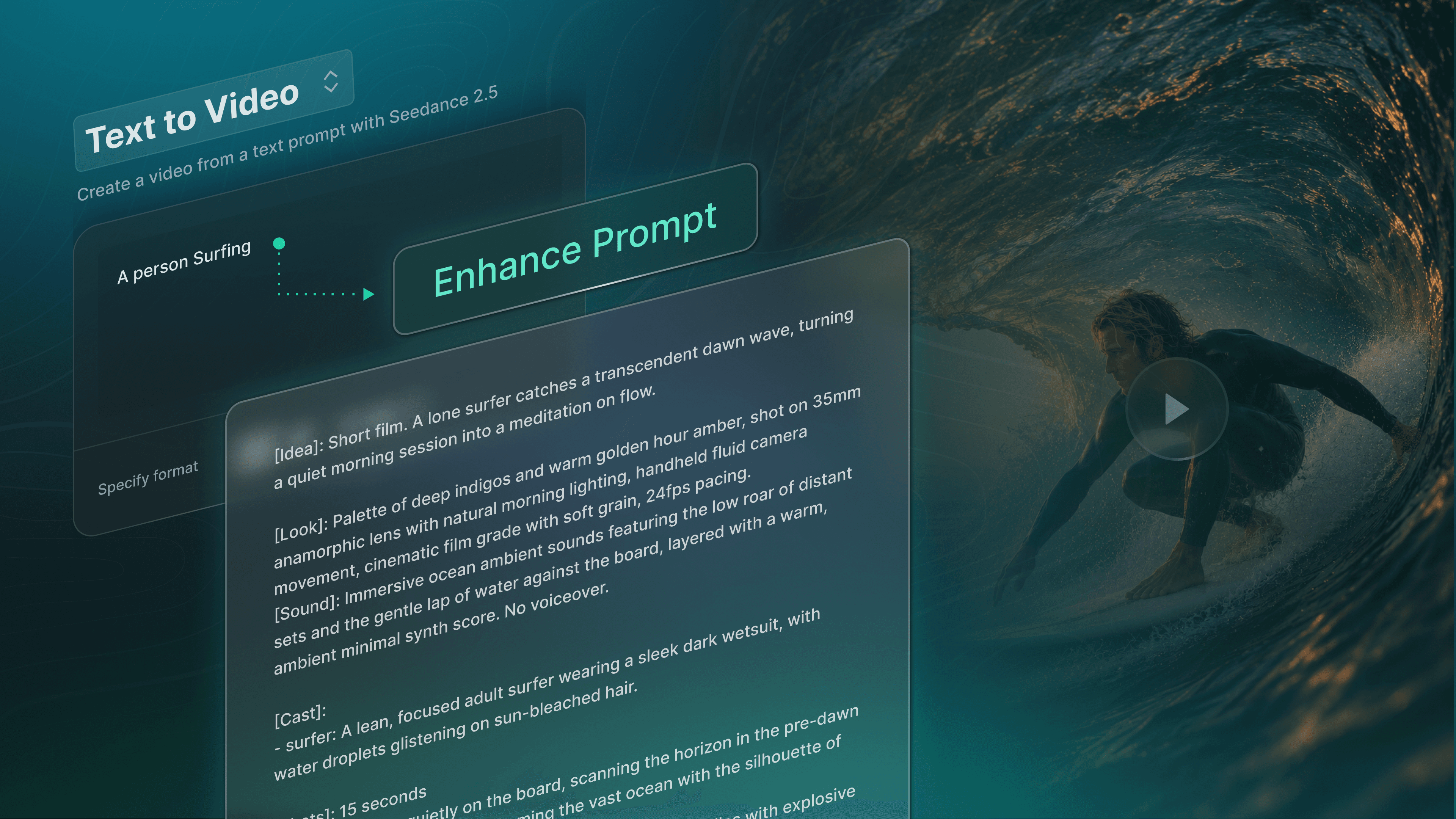
You know the video you want to create. But explaining the video you want to make to an AI model? That’s a different story.
Prompt Enhancements, now live in QuickFrame AI, is a new feature that will help you write better prompts with less effort. Give the platform the basic premise of your idea, then click Enhance Prompt and it will automatically expand it into a longer, more detailed set of instructions that AI video models can follow better.
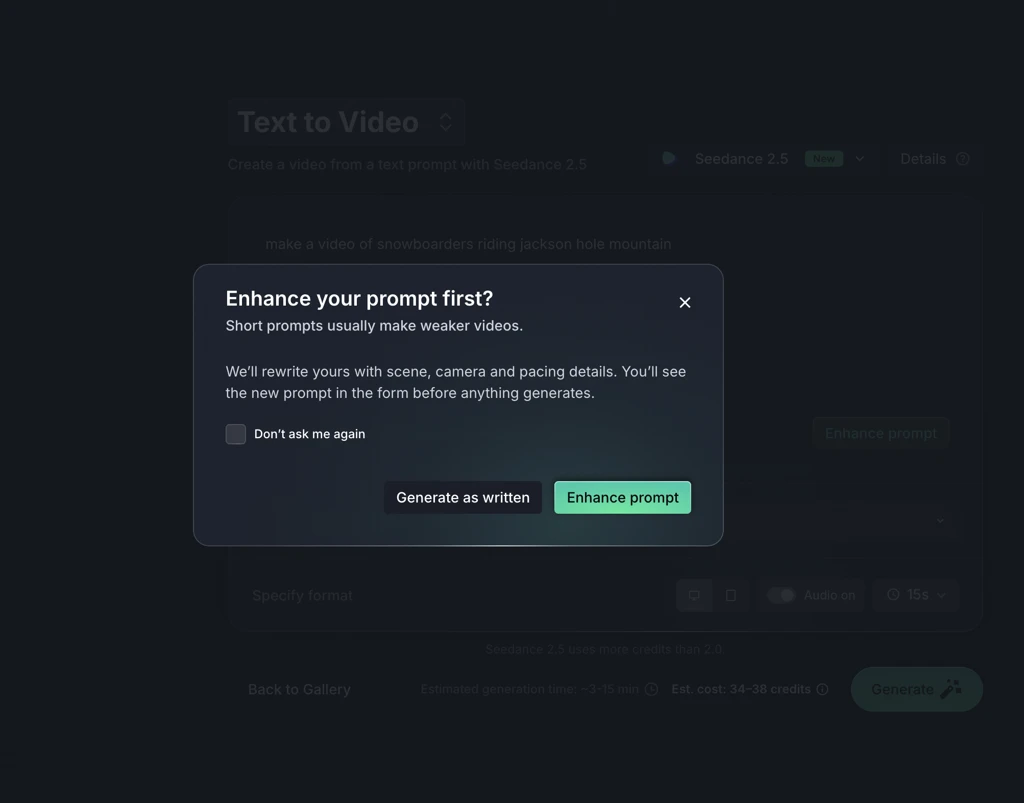 We know that not everyone is a prompt engineer, and you shouldn’t have to be to make a great video! With Prompt Enhancements, you get all of that expertise quite literally at the click of a button.
Let's get into how it all works.
What Prompt Enhancements Adds
Like we alluded to above, writing a detailed prompt is a skill of its own, but it shouldn't be a prerequisite for making a great AI-generated video. Prompt Enhancements has the know-how of a prompt engineer built into its bones, so all you need to bring to the table is your great idea, even if it’s a short one like this:
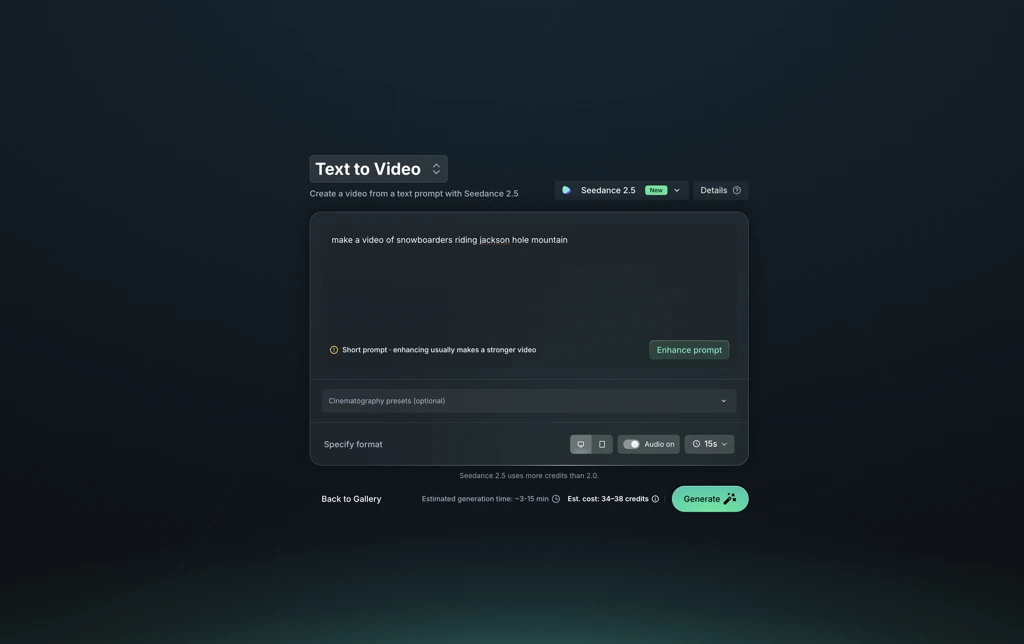 Your enhanced prompt will keep your core idea intact and only add the specifics a model needs to get it closer to a finished video on the first generation. In practice, that means you could write a prompt that reads like how you’d describe the video to a friend, and Prompt Enhancements will take that and expand on it with additional instructions that help the model clearly interpret what you’re asking for.
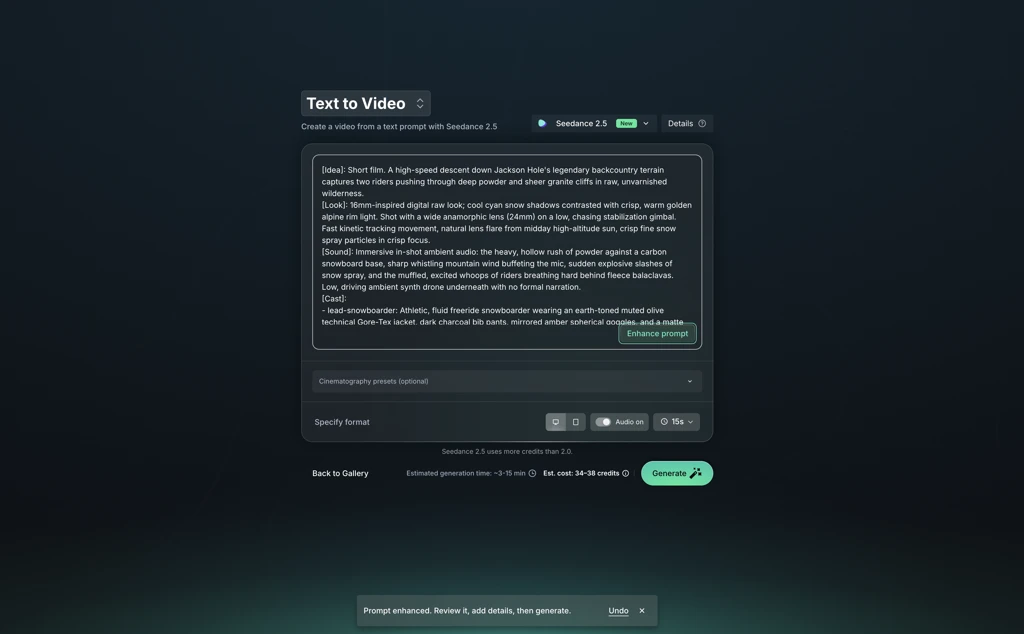 Review, Edit, or Revert
Once the enhanced prompt appears, take a minute to read through what was added, because while it builds upon what you gave it, you still have full control to change anything that doesn’t match what you were after, cut anything you don’t want, or add a detail the enhancement missed. And if you’d rather work from your original, you can always revert to it.
Nothing goes to the model until you click Generate, so the enhancement is a suggestion you can take or leave, in whole or in part.
Where You'll Find It
Prompt Enhancements are available in three QuickFrame AI tools, so you can refine a prompt the same way no matter which workflow you’re in:
Text to Video: Describe the clip you want and generate it from the prompt alone.
Image to Video: Start from a still image and use the prompt to say how it should move.
Add Elements to Video: Upload elements to anchor your characters and products, and use the prompt to direct what happens around them.
Start From Your Words or Ours
Prompt Enhancements aren’t the only new addition to QuickFrame AI that shortens the path from idea to final cut, either. Industry Starting Points give you ready-made ad concepts for your industry. They can pull details from your brand’s URL, or you can fill out a short form about what you want to feature, and generate from there.
But for the times you do have a clear vision, you don’t have to worry about filling in the finer points of your idea yourself. Just hand what you have to the platform, hit Enhance Prompt, and it’ll flesh it out like it's your own personal in-house prompt engineer. Log in to QuickFrame AI today and give it a spin.